A refrigerant reference library
Explore pure refrigerants and blends: composition, properties, safety classes, GWP values and restrictions. Search, compare and check the sources, with coverage and gaps clearly shown.
Explore in the app PhaseKit
PhaseKit is an open toolbox for refrigeration work and learning. Look up refrigerant data, run calculations and write reports on site — on your phone, tablet or computer. Share a finished report as a PDF or print it.
In Finnish and English. Works offline too.
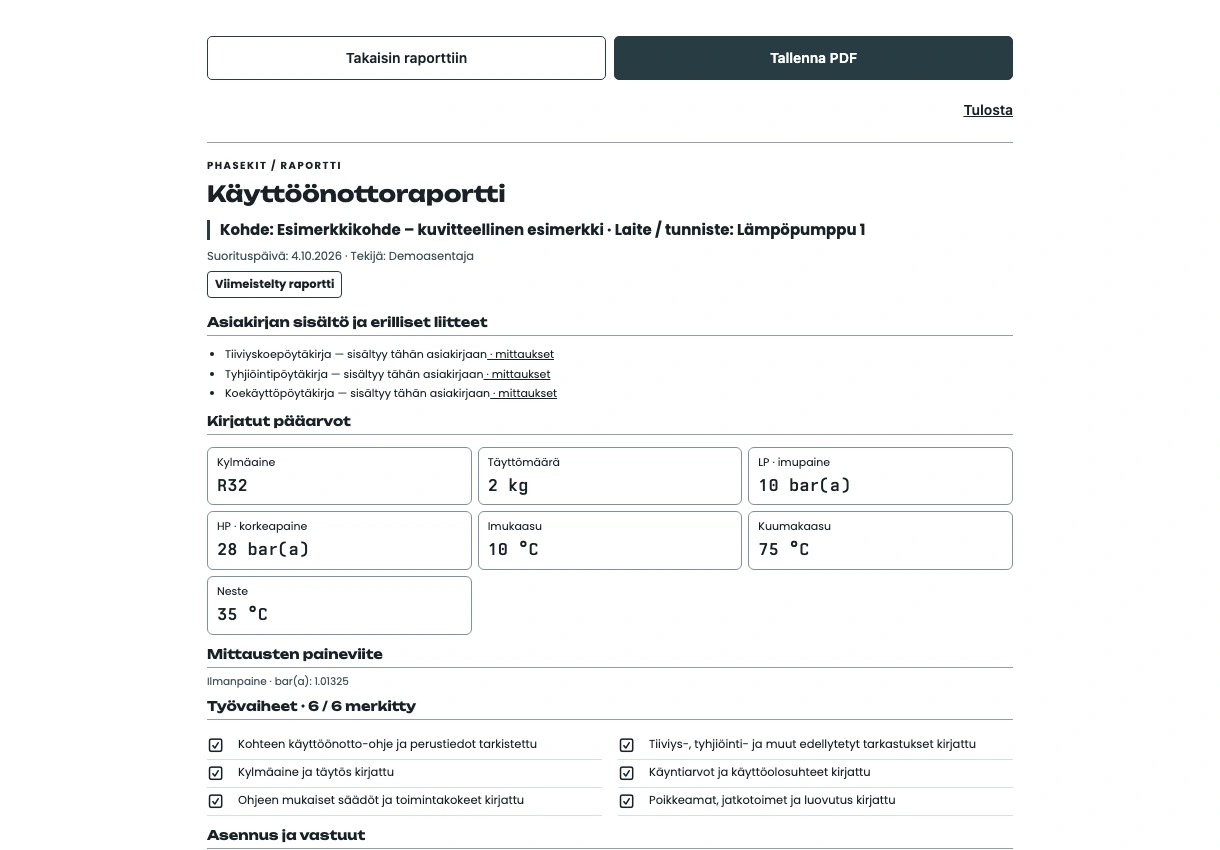
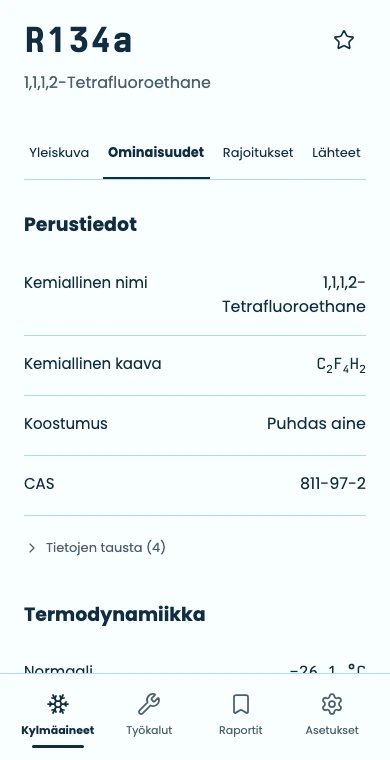
With data and calculations at hand, you can check the basis for a result and keep a record of the work.
See the formulas, sources and limits behind the result. Data gaps are made clear, and you can take your saved records with you.
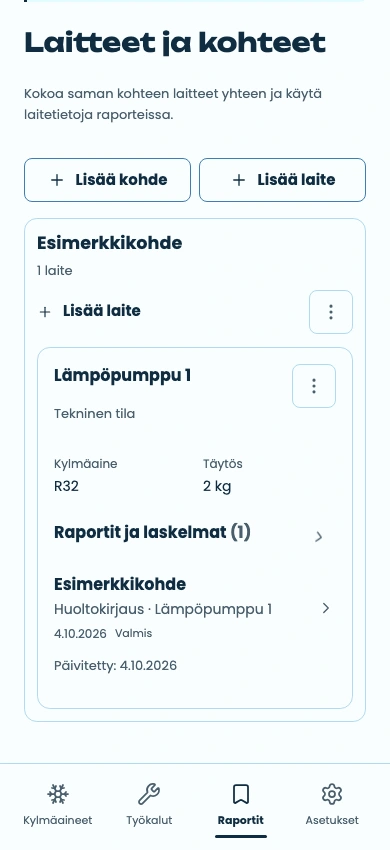
Group equipment by site and record the work:
Save sites and keep their equipment together.
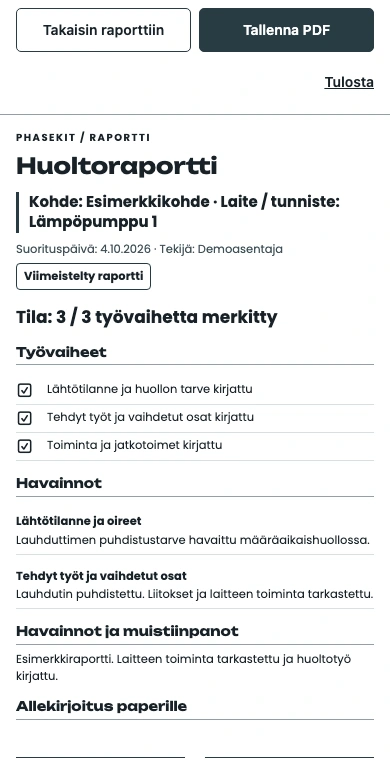
Use saved equipment details as a starting point. Check visit-specific information, record observations and work through the checklist.
Find a unit’s reports and calculations together. Share a report as a PDF or print it on paper.
Look up refrigerant data, check a calculation and understand its basis — with sources and formulas available to inspect.
Explore pure refrigerants and blends: composition, properties, safety classes, GWP values and restrictions. Search, compare and check the sources, with coverage and gaps clearly shown.
Explore in the appRefrigeration cycles and P–T values, electrical calculations, heat quantity and thermal power, pipe calculations and unit conversions. Check the formulas and assumptions behind the result.
Explore in the appWhat does that symbol mean? Look up refrigeration and electrical symbols, with names and explanations, in the same tool.
Explore in the appSave sites and equipment, use equipment details as a starting point for reports, and find linked reports and calculations by unit. Export reports as PDFs or print them.
Explore in the app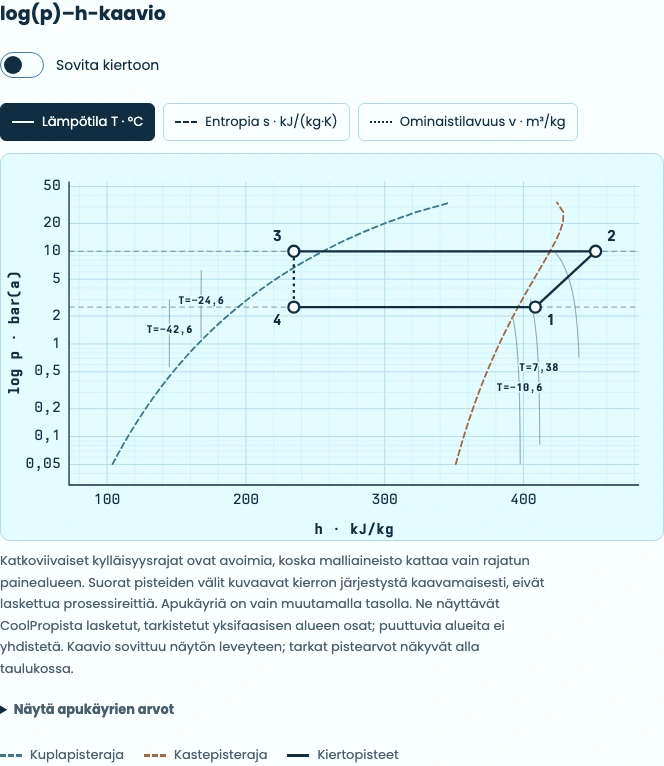
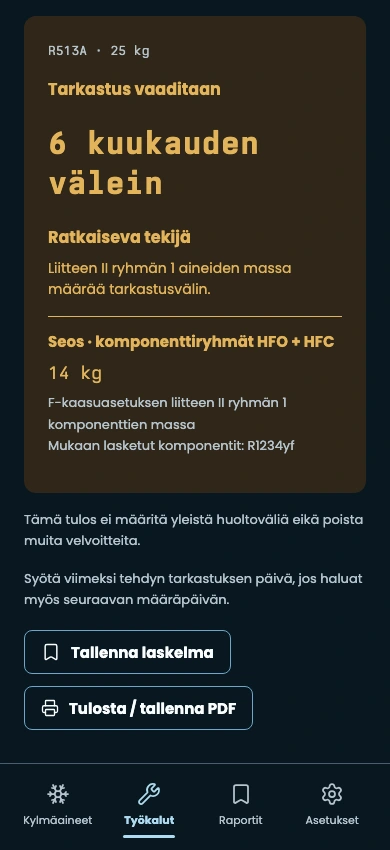
A refrigeration teacher was frustrated with a leak-check interval app. It did not support refrigerant blends. Samu, one of his students, asked whether he would use a better one if Samu built it. That was the start of PhaseKit.
One problem grew into a toolkit for everyday situations. A log(p)–h diagram when there is no pen or paper nearby. Refrigerant data and calculations to check. Reports recorded on the spot. And checklists to help while you are still learning the ropes.
Openness is part of how the tool works: you can inspect its basis and take your own data with you.
The app shows the coverage and gaps in its refrigerant data. Missing data does not mean zero.
After you first open the app online, it and its datasets are available offline too. Reports and calculations stay in that browser.
PhaseKit requires no account and does not upload your reports to the cloud. Export a backup in Settings to move data to another browser. Site visit statistics are based on server requests.

Open the stable version first, then add it to your phone’s Home Screen for quick access in the field.
Open PhaseKitChoose a light or dark theme, or let the app follow your device setting.
Menu labels can vary by browser and device.
PhaseKit grows from real needs. Its source code is open under the MIT licence. Changes and discussion are available on GitHub.
PhaseKit on GitHub0.4.1
Made by

The beta is a separate test version, with storage kept separate from the stable app.